
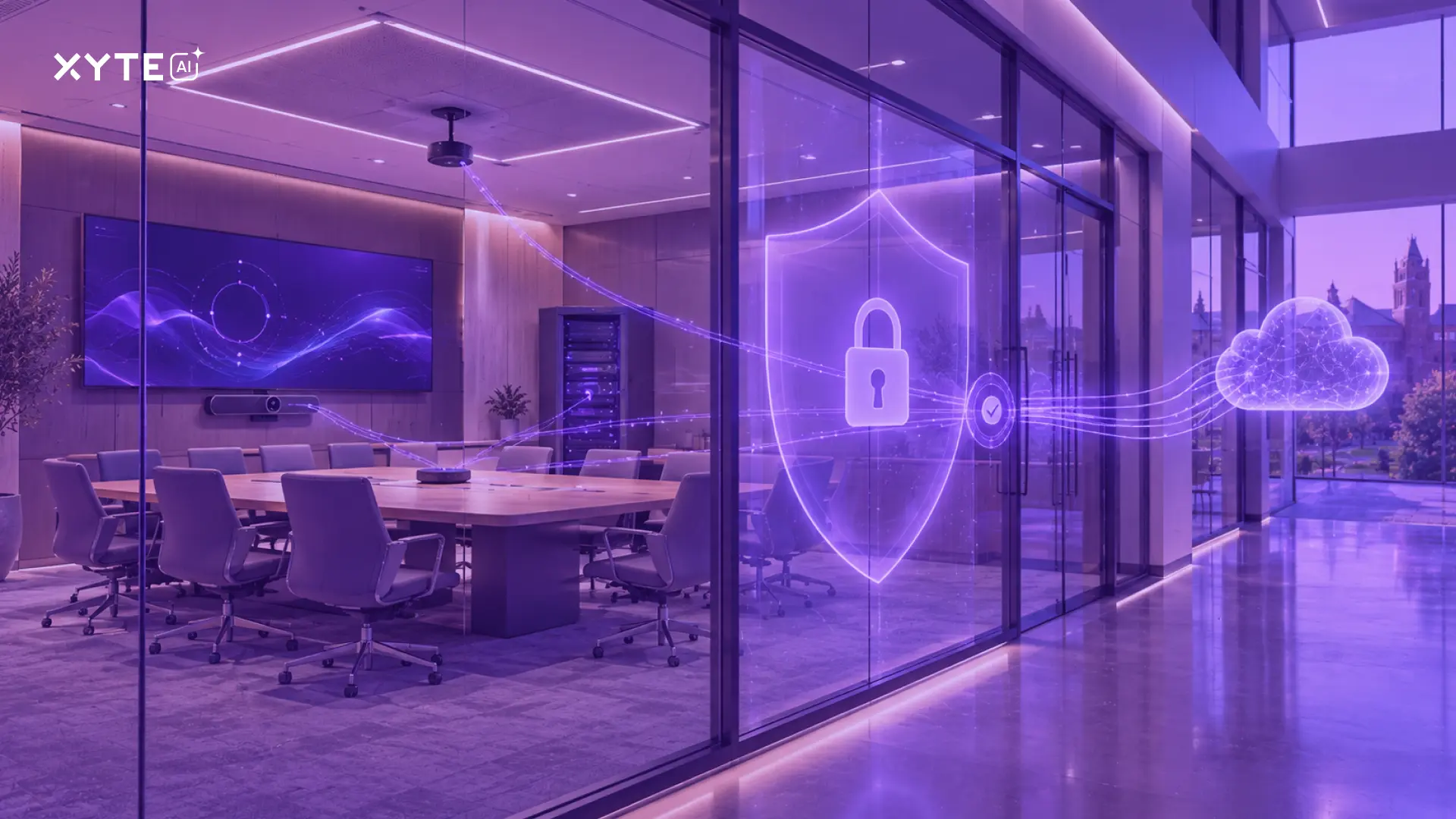
You found the AV monitoring platform that checks all the boxes – the one that supports your devices, does what your team needs it to do, and fits perfectly into your planned deployment.
Then, security gets involved.
All of a sudden, it’s tough questions like what data does it collect and where will that data be stored? Do AI models have access to the data? Which ones? What can they do with it? And (the big one) what could the platform’s AI agents do in our environment if they go rogue?
I’m hearing more and more of these stories. And they are important questions that need answers. The good news is that a security review does not have to slow down a deployment. All you have to do is be ready for it.
In this blog, I’ll answer some of the questions security teams ask us most often about AI, AV data, and access to the systems they’re responsible for protecting.
Where Does Your Data Go - and What Data Are We Talking About?
The first set of questions you’ll get from your security team has to do with who could access sensitive data generated or collected by your new AV platform – and what protections are in place to limit the damage if data is exposed. Questions like:
- Where will AV data actually live?
- Is it stored in the cloud?
- In which region?
- Is it encrypted in transit and at rest?
- Which security standards or certifications does the provider meet?
- Can the platform provider access data? If yes, who exactly?
Answers to these questions vary by platform. At Xyte, for example, customer data is stored in the cloud, hosted on AWS in Ireland and encrypted both in transit and at rest. Like most SaaS providers, we rely on a small number of sub-processors in the US and Europe, all of whom are listed publicly in our DPA. We are SOC 2 Type 2 certified, and access to customer data is limited to a very small number of employees, with access strictly logged.
Speaking of data, your security team will also want to know more specifics about the types of data collected. And if the platform is integrated with a specific videoconferencing platform, the types of data collected can vary widely.
At Xyte, for example, we do collect operational data from Zoom Rooms – like device inventory, device health, whether the room is currently in a call, and other data we need to support commands like remote rebooting. But we never collect the content of meetings or calls – not audio, video, recordings, participant information, meeting titles, chat or transcripts.
Who Can Access Your AV Environment?
Next, your security team will want to know which users can access your AV platform, how they are authenticated and whether or not their permissions are limited to systems they need.
Having role-based access control in place makes your life easier here. It’s helpful to be able to demonstrate, for example, that an AV technician who’s responsible for meeting rooms in a given building cannot access every device across the enterprise. That’s why Xyte built in granular role-based permissions – down to the individual room level. Our platform also supports MFA and SAML- or OIDC-based SSO through identity providers like Okta, Microsoft Entra ID and Google Workspace.
Security teams will also want to know how your devices connect to your platform of choice. They need to understand how paths into the platform are secured because every device connection is a potential welcome mat for threat actors. Xyte, for example, uses outbound-only connections – meaning our customers don’t need to open inbound ports to connect devices to the platform. Since devices are not directly reachable from outside the network, this gives attackers one less way in.
What Happens When AI Gets Involved?
AI, of course, adds another level of complexity to security reviews. Your security team will inevitably ask questions like:
- Which AI provider and specific models does the platform use?
- What data can AI access?
- Is that data used to train the models?
- What can AI agents actually do?
Your vendor should be able to answer each of these clearly. Here’s how we answer them at Xyte. Our AI Teammate is powered by OpenAI models, and it works within Xyte’s existing role-based access controls. A user can only ask about the devices, spaces and incidents they already have permission to see. It works from device telemetry and manufacturer documentation, and no personally identifiable information is sent to the AI service. Xyte does not use customer data to train or fine-tune its own AI models or anyone else’s.
While AI Teammate can spot problems and recommend fixes, it can’t reboot a device or change a configuration on its own: every device action needs explicit approval from a person.
As the AI landscape gets more interconnected, you’ll find that security teams are digging even deeper. They will want to know, for instance, whether the AV platform allows users to connect their own AI agents through APIs or a CLI. The reason is that once other AI agents can connect to your AV environment, your security team needs to know what they can see and what they can do.
At Xyte, customers decide which external agents to connect using our MCP server, CLI or API, and they control the credentials those agents use. The data path is simple too. When a customer connects their own AI assistant, the MCP server runs on their side and talks directly to Xyte. Whatever the assistant reads goes to the AI provider the customer already chose, under their own contract with that provider. Xyte isn’t a middleman in that exchange.
Agents connected this way get the same access as the API key they use. That’s full API access today, not permissions limited to specific functions. It’s what makes powerful AI-driven workflows possible, and it’s also why we built in guardrails:
- The MCP server can run in read-only mode, and it asks for confirmation before anything is deleted.
- The CLI shows a dry run of any bulk change before it’s applied, and risky commands need confirmation.
- API keys are filtered out of everything the AI sees, so they never appear in AI output.
Even so, security teams should understand the level of access they’re approving. We recommend read-only mode for exploration and for any agent that runs unattended.
The Bottom Line: Get Security Involved Before It Becomes a Roadblock
The best way to avoid a security roadblock on the path to procurement - not to mention deployment - is to get ahead of the questions. I’ve seen too many deployments unnecessarily delayed because security was looped in late in the process.
This means having readily available answers to key security questions like what data your platform collects, where that data lives, who can access it, how devices connect, and what AI systems can see and do.
Bring security into the conversation early on and give them the bigger picture of not only the platform, but how it interacts with the rest of the IT environment. The information they need should be easy to obtain from reputable platform vendors. This ensures that security isn’t the last hurdle to deployment, but rather an active partner in getting it off the ground.
If you’re considering Xyte, ask us for our security pack. We’ll give your security team the information they need to start their review.


![Is My AV Gear Supported? [Hint: It’s Not a Yes-or-No Question]](https://cdn.prod.website-files.com/64b4f17a16222f7b816bb7a9/6ac76147cf570765858d8ad5_blog%20-%20are%20my%20devices%20supported.webp)