Most AV teams are used to working with the interfaces their technology vendors provide. You log into the dashboard, run the reports it offers, and build your workflows around the tools it provides.
That model is starting to change. APIs give the AI tools teams already use - from Copilot and Claude to custom agents built for a specific job - access to live AV data. That means that teams are no longer limited to the AV vendor user interface. They can build their own interface based on the information they need and the way they work.
Users can simply ask for the information they need or tell an agent what they want done. In this blog, we’ll look at how that shift is starting to play out in AV and what it means for the way teams interact with their systems and data.
What This Actually Looks Like
We recently got a look at a monitoring tool an engineer at one of our integration partners built using Xyte’s APIs. He connected Xyte to an AI agent through Power Automate and created a tool he could use directly from Microsoft Teams.
The demo was surprisingly simple. He asked the agent, “Is there anything I should be concerned about?” The agent used live Xyte data to give him a clear picture of the environment, including active incidents, problem locations, and recurring issues. It could recommend what to investigate next or, if he asked about a specific office, summarize what was happening there.
The first version ran through a gateway on his laptop. He later moved the whole setup into the cloud, with Xyte feeding Power Automate and his AI agent directly. That’s what makes this example interesting: this wasn’t a feature Xyte built for him. He built the interface he wanted on top of Xyte.
Build the Tool Around the Job
What that engineer built is part of a much broader shift, an approach that is gaining traction quickly. According to Deloitte’s 2026 State of AI in the Enterprise research, 85% of companies expect to customize AI agents to fit the specific needs of their business.
Tools such as Copilot Studio, Claude, Codex, and other agent-building environments let teams create these interfaces without developing an application from scratch. APIs connect those agents to the systems and data they need, and teams decide what the agent should be able to do. It may sound like an advanced project, but connecting an AI tool to Xyte’s data through its APIs via the MCP server or CLI can be a straightforward place to start.
The AV Data Layer Matters
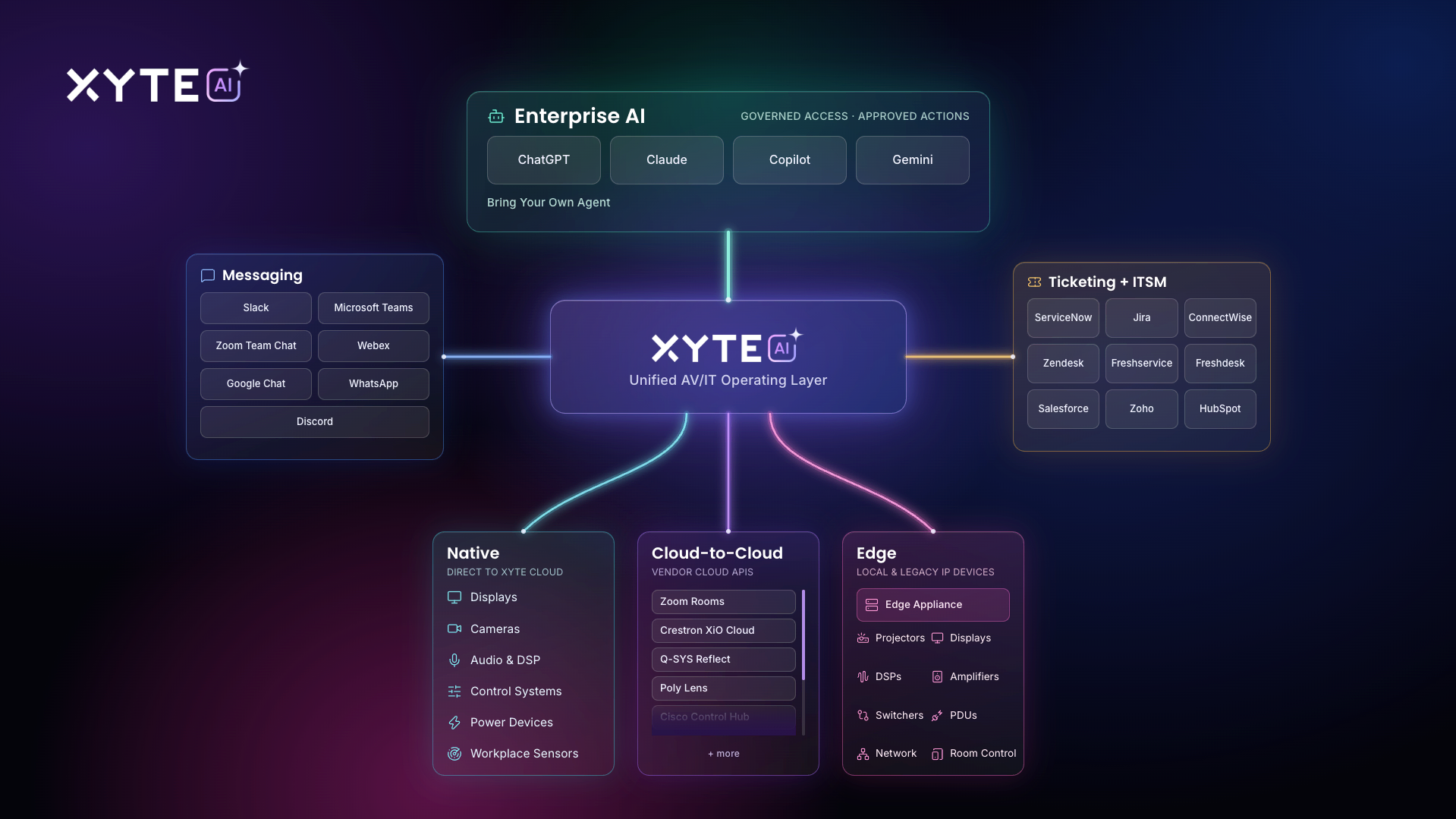
For this to work, the agent needs easy access to current AV data. That gets complicated when an environment includes different manufacturers, device types, room configurations, and management systems, each producing data in its own way.
This is where Xyte comes in, bringing device and room data from across the AV environment into a standardized structure and makes that data available through open APIs. The agent can then access consistent data drawn from the full stack of devices, systems, and locations through a single integration.
With that foundation in place, teams can decide what they want their agents to do. One agent might investigate incidents and identify recurring device problems. Another could generate reports for different audiences or take approved actions across rooms and locations.
Those agents don’t have to be tied to a particular AI platform. As tools evolve, teams can change or replace the AI layer and continue connecting it to the same underlying AV data.
The Interface Is No Longer the Product Boundary
For years, AV teams have had to adapt the way they work to the software available to them. If they wanted to check system health, investigate an incident, or understand what was happening across hundreds of rooms, they went to the interface built for that purpose.
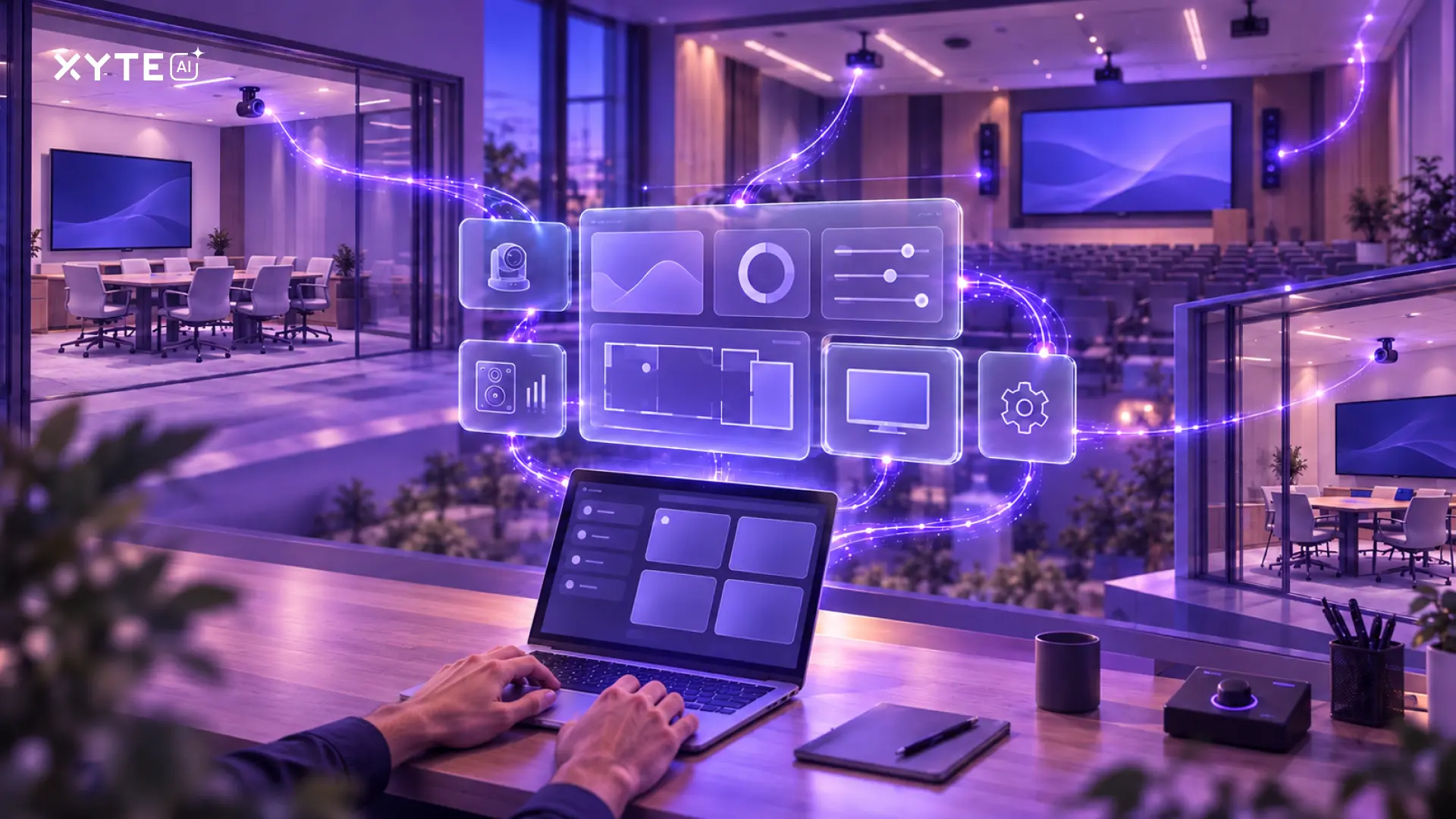
AI agents powered by live data from across the AV environment give teams another option. The interface can now be defined by the task: asking which rooms have recurring issues, finding the devices generating the most incidents, comparing performance across locations, generating an executive report, or telling the agent to take an approved action. The underlying platforms still do the hard work of collecting, organizing, and exposing the data. Teams just get a lot more freedom in how they put that data to work.
The engineer built an interface around the questions he needed answered. With reliable AV data available through APIs, other teams can shape their tools around their own work, not necessarily the one someone else designed for you.