
"It’s your lifeblood."
That's how Sudeep Trivedi, Head of Strategy and Alliances for Logitech for Business, described the place of video and audio in the enterprise workplace. Last week, I sat down with Sudeep to talk about what changes when a technology moves from a handful of boardrooms to almost every room in the building.
We’ve both watched this shift happen in real time. Deployments have exploded to encompass portfolios of thousands of rooms across dozens of countries...while the IT teams responsible for all of that haven't grown to match. The gap between how fast the AV footprint has scaled and how many people there are to manage it is what drove most of our conversation.
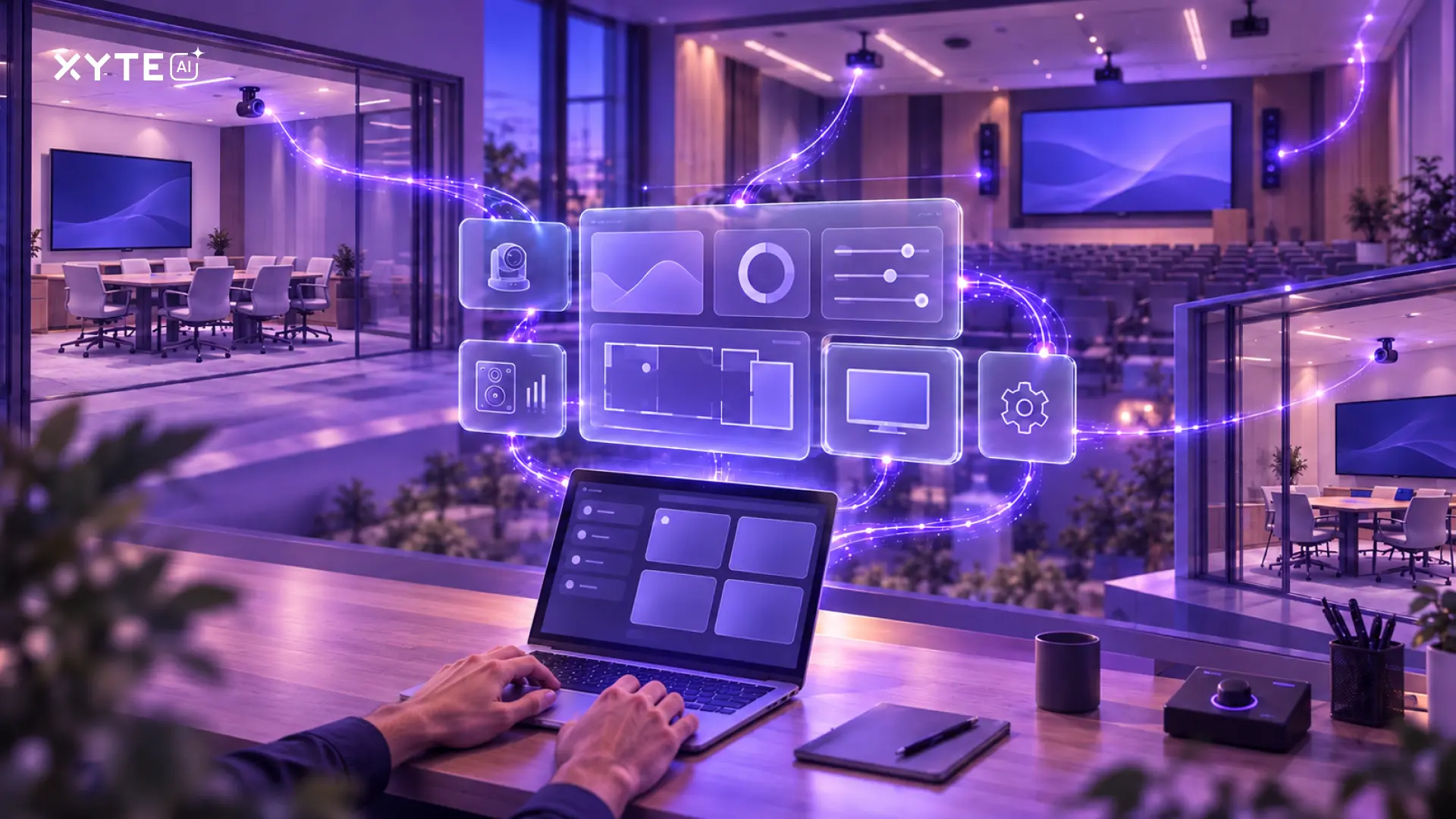
Once video is in hundreds or thousands of rooms, the challenge changes. IT and AV teams do not just need devices that work. They need a way to know which rooms are ready, which issues are coming, and which problems can be solved before users file a ticket.
Room Readiness Becomes an Operations Problem
For enterprise IT and AV teams, room readiness means more than confirming that the camera turns on. It means knowing whether every critical device is online, healthy, reachable, and ready before users walk in.
That includes video, audio, room compute, power, firmware, occupancy, alerts, and recurring issues across many spaces and sites.
The user only sees whether the room works. The support team has to know why it works, why it fails, and what can be fixed before anyone opens a ticket.
Two Levels of AI
That huge AV management gap came up early in our conversation, and it led us straight to AI. When headcount stays flat and the device footprint doubles, automation is the only math that works. Sudeep and I spent a good chunk of the webinar on what practical AI looks like in AV today. I think it can be broken down into two levels.
- Level 1 is embedded AI - an AI layer built into the management platform itself. In Xyte, for example, you use it the same way you already use tools like ChatGPT: feed it a document and ask for a summary, ask how to claim a device or run a report, or have it turn a troubleshooting manual into a set of bullets instead of reading the whole thing yourself. It saves time on tasks that used to require clicking through menus or searching a knowledge base. Xyte’s AI Teammate also knows the context of your environment - which devices are in which rooms, what's connected to what - so you can ask a question about a specific device and get an answer grounded in your actual deployment.
- Level 2 is the bridge between the physical hardware in your rooms and the AI agent your team already runs every day - Copilot, Codex, or Claude Code. This is where our largest enterprise and university customers headed. What does this look like in practice? For example, Xyte CLI enables any Logitech device managed through Xyte to run reports or take action directly through that agent, with no separate integration required. The CLI access gets assigned automatically the moment a device joins the platform - no per-device configuration, no lag between onboarding and agent access.
Where Xyte Fits Alongside Logitech Sync
Several audience members asked the same question during the webinar: we already use Logitech Sync, so what does Xyte add on top of it? The short answer: Sync remains the right place for Logitech-specific management. Xyte gives enterprise teams a broader operating layer across mixed rooms, devices, sites, alerts, and AI workflows.
Sudeep answered that any enterprise running rooms at scale uses multiple management tools - Sync for Logitech-specific controls like camera zones and digital cocoon setup, Microsoft Pro Management Portal for Teams rooms, Zoom Device Management for Zoom endpoints. Each vendor's platform handles what only that vendor's platform can handle.
Yet no single platform connects the full picture, and that's where Xyte fits - adding context across the non-Logitech devices that share the same rooms and enabling the AI agent connection we discussed above. As Sudeep put it, "It's not about using Logitech tools or not. Ultimately, it's about enabling a set of tools that give you that predictability and automation as you do scale deployments."
That multi-tool reality also explains where our partnership with Logitech is headed. Up to now, Xyte has pulled data from Logitech Spot, Rally Bar, and other devices. That data has been useful for visibility, but less so for action. Enhanced control through the Sync API is coming in the near term, which means Xyte will be able to reboot, adjust, or reconfigure a Logitech device directly, not just report on it.
The Data That Could Change the Energy Bill
During the webinar, I walked through a deployment that shows what contextual data looks like in practice.
A major U.S. university had deployed Logitech Spot sensors and Xyte-managed PDUs from another vendor across hundreds of classrooms in a single state. When the team started comparing occupancy data from Spot against power draw from the PDUs, the first graph looked fine - power spiked when rooms were occupied. The second graph told a different story: power spiked at the same levels when occupancy was zero. An automation schedule was turning on displays, projectors, mics, and speakers for classrooms no one was using.
A simple power-down schedule tied to occupancy detection recovered 44% of AV rack energy consumption across those rooms, which could save the university $32,000 per year. That insight only existed because two data sources from two different manufacturers landed on the same platform.
What Comes Next
That university didn't need to install new hardware to find $32,000 in energy savings. The data was already there - it just needed a platform that could put occupancy and power draw side by side. I'm a car guy, so look at it like this: how often do you pop the hood just to check your oil level? Your car dashboard solved that problem years ago. It tells you what needs attention and when. The same principle should apply to every room on your network.
Every device Sudeep and I discussed during this webinar - Logitech Spot, Rally Bar, PDUs, displays - already generates operational data: occupancy, power draw, device health, room status. The question is whether your organization has a way to read it, connect it across vendors, and act on what it finds. Sudeep and I agreed that closing that gap is what the Logitech-Xyte partnership is built to do, and we're just getting started.
Watch the full webinar recording to hear the complete conversation with Sudeep. For teams ready to explore practical AI applications, the Xyte AI Academy covers Level 1 use cases, and our CLI guides are the starting point for Level 2.



![Is My AV Gear Supported? [Hint: It’s Not a Yes-or-No Question]](https://cdn.prod.website-files.com/64b4f17a16222f7b816bb7a9/6ac76147cf570765858d8ad5_blog%20-%20are%20my%20devices%20supported.webp)