
A lot of “AI” in our industry still means a chatbot layered on top of a dashboard.
You ask a question. It summarizes data. Maybe it suggests something.
But when it’s time to actually do something, you’re back to clicking through a UI.
That’s not AI operations.
If AI is going to manage physical devices, it needs something much simpler and much more powerful:
- Clear, unambiguous commands
- Structured, machine-readable outputs
- A safe way to execute actions in the real world
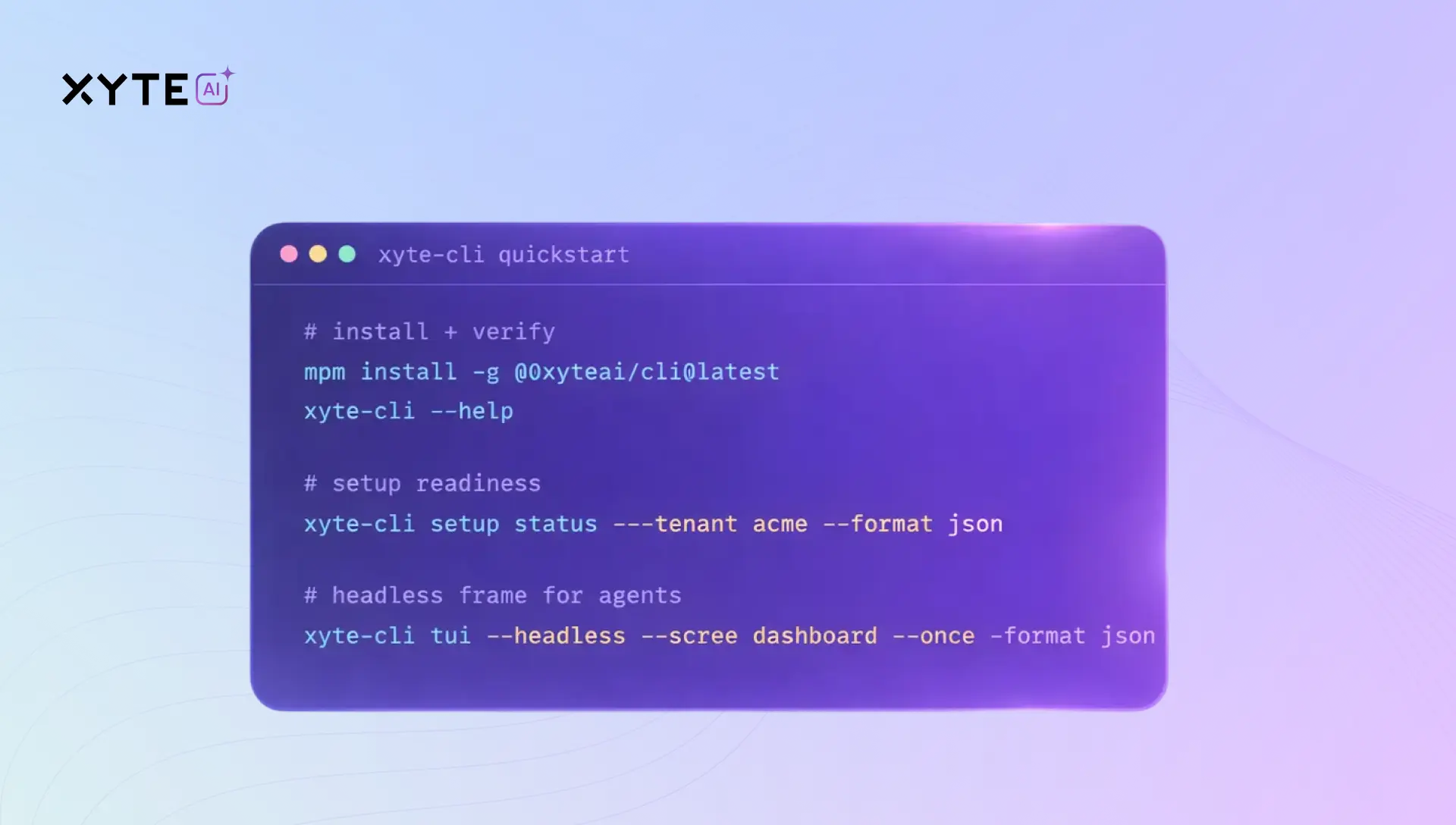
That’s why we built Xyte CLI.
Why a CLI Now?
Recently, Andrej Karpathy posted something that resonated with us. He pointed out that most products still expect humans to click around web pages, follow step-by-step instructions, and read HTML docs. His frustration was simple:
If I have an AI agent, why can’t it just connect directly to your product using APIs or CLI?
He’s right. If your product isn’t AI-native at the interface level, it forces agents to behave like humans. That slows everything down. In 2026, that shouldn’t be acceptable.
What Makes Xyte CLI Different
Xyte CLI isn’t a developer toy. It isn’t a legacy add-on. It’s an operational interface designed for AI agents managing AV devices at scale. Here’s what that means.
1. Clear, predictable commands
Every action in Xyte CLI is explicit and predictable. No scraping dashboards. No guessing which button to press. Just clear commands that produce reliable results. That’s what AI systems need to operate safely and consistently.
2. Structured outputs
The results from Xyte CLI are structured in a clean, consistent format. An LLM (large language model) or internal agent can immediately understand and use the output.
3. Built-in guardrails for the real world
Managing physical devices is not the same as summarizing text. Reboots, configuration changes, and remediation workflows need controls. Xyte CLI requires explicit confirmation before sensitive actions are executed. AI can act. But safely.
The Breakthrough: Skills
The most important piece is something we call the Skills Bootstrap. Instead of hoping an LLM “figures out” how to use the CLI, Xyte provides pre-built operational capabilities that AI systems can reliably use.
With a single command, you can install a set of skills that teach your AI agent how to:
- Pull device health snapshots
- Investigate incidents
- Generate standardized reports
- Execute approved corrective actions
This is the difference between “AI suggestions” and AI that can actually do the work.
Real-World Use Cases
We’re already seeing strong interest from more technical teams who want to integrate Xyte into broader automation frameworks. Three high-value use cases stand out:
AI-Driven Device Health Monitoring
Schedule consistent snapshots across thousands of endpoints. Automatically flag unusual behavior. Generate daily summaries automatically.
Automated Incident Investigation
Pull detailed system data on demand and generate standardized, consistent reports that other systems – or humans – can review.
Controlled Remediation
Execute approved device actions with confirmation gates built in. Safe, auditable, repeatable. This is where AI starts to manage infrastructure, not just comment on it.
Built for Power Users and Agents
The Xyte portal remains the primary interface for everyday operations. AI Teammate augments human teams. Xyte CLI is different. It’s for:
- Power users
- Internal automation teams
- Enterprises building their own AI agents
- Developers connecting device management into larger workflows
Now, if you want to connect your own LLM, internal agent, or automation framework, you can.
Why This Matters
Most products still assume humans will drive the interface. But the next generation of infrastructure will be managed by agents.
If your system can’t be operated clearly and reliably by AI, it isn’t truly AI-ready.
We built Xyte CLI because operational AI needs more than a dashboard. It needs a command surface designed for machines.
Bring your own model. Bring your own agent. Xyte CLI is ready.
Explore Xyte CLI and its documentation here:
https://xyte-io.github.io/xyte-cli/